If you own an iPhone or iPad, you’ve likely received a notification prompting you to install the latest software. The iOS 18.3 update features and fixes have been the subject of significant buzz in the Apple community and for good reason.
This release isn’t just a routine patch; it delivers meaningful improvements across performance, security, and Apple Intelligence capabilities. But before you tap that “Install Now” button, let’s break down everything you need to know about what’s changed, what’s been fixed, and whether it’s the right time to update.
In this comprehensive guide, we walk you through every major aspect of the iOS 18.3 update features and fixes, from exciting new additions to known issues reported by early adopters so you can make an informed decision.
What Is iOS 18.3? Overview & Release Date
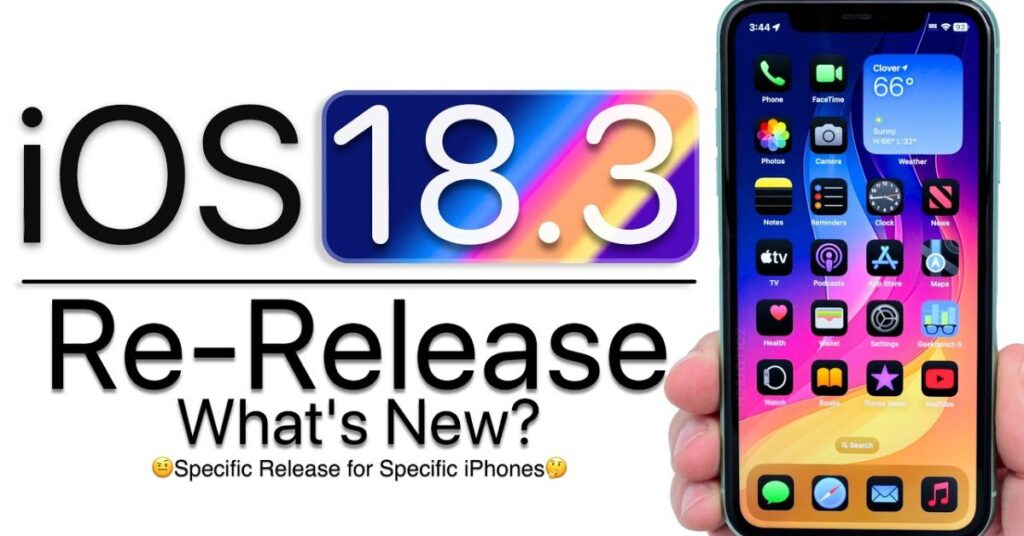
Apple released iOS 18.3 on January 27, 2025, as part of the broader iOS 18 cycle. This update is available for all iPhones compatible with iOS 18, which includes models from the iPhone XS and later. Alongside the iPhone release, Apple simultaneously rolled out the iPadOS 18.3 update for supported iPad models, bringing the same core improvements to tablet users.
The iOS 18.3 release notes explained by Apple highlight three broad categories of changes: new features (particularly around Apple Intelligence), critical bug fixes, and under-the-hood security patches. It is a recommended update for most users, especially those who experienced stability issues with iOS 18.2.
iOS 18.3 New Features: What’s Actually New?
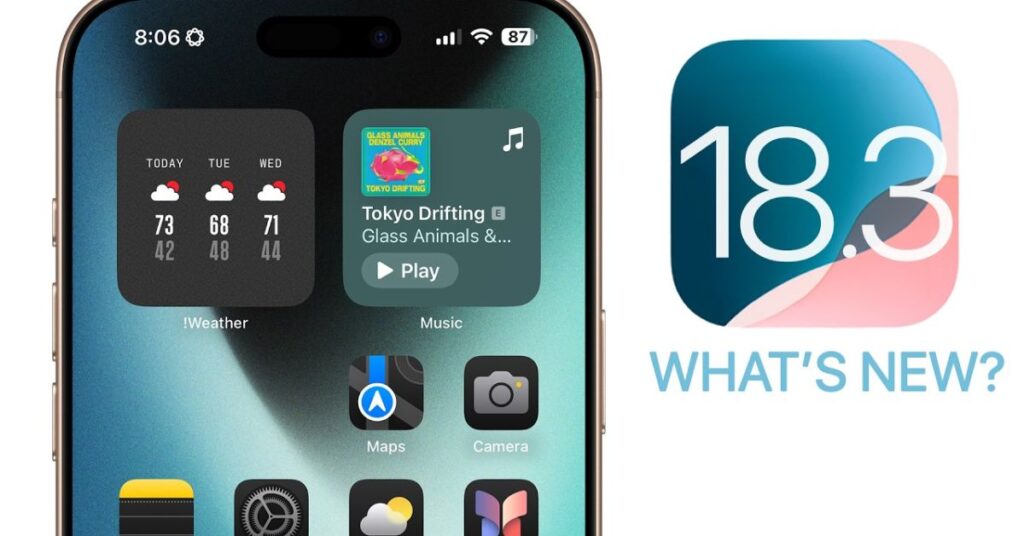
One of the biggest draws of the iOS 18.3 update features and fixes package is a fresh set of capabilities, many tied to Apple Intelligence Apple’s AI-powered suite of tools.
1. Notification Summaries Redesigned
Apple overhauled the Notification Summaries feature after widespread criticism that AI-generated summaries were producing inaccurate or misleading text especially for breaking news apps. The iOS 18.3 new features include a redesigned display for these summaries, making it visually clear when content is AI-generated. News and entertainment app summaries are now turned off by default, giving users more control.
2. Visual Intelligence Enhancements
Visual Intelligence, available on iPhone 16 models, has been refined in this release. Users can now use the Camera Control button to look up information about objects, plants, animals, and landmarks with improved accuracy. This enhancement is a highlighted component of the broader iOS 18.3 new features rollout.
3. Robot Animations in iPhone Mirroring
iPhone Mirroring, a feature that lets Mac users control their iPhone from their desktop, now displays a lock screen animation showing a small robot icon when the iPhone is locked and actively being mirrored. This is a subtle but polished UI addition.
4. AirPlay Hotel Support
With iOS 18.3, Apple has introduced AirPlay support in hotel rooms, allowing users to stream content directly from their iPhone to compatible hotel TVs. This is one of the most immediately useful iOS 18.3 new features for frequent travelers.
5. Photos App Improvements
The Memories feature in Photos has been updated, including better organization tools and refined playback controls for memory videos.
iOS 18.3 Bug Fixes: What Problems Were Resolved?
Beyond the new features, the iOS 18.3 update features and fixes package addresses a significant number of issues that had been frustrating users since iOS 18.2.
Key iOS 18.3 Bug Fixes Include:
- CarPlay bug fix: A bug causing iPhone to disconnect from CarPlay unexpectedly has been resolved.
- Apple Intelligence fix: Several crashes and response delays within Writing Tools and the AI notification summaries system have been corrected.
- Keyboard input lag: Some users reported input lag when typing in third-party apps. This has been addressed in the iOS 18.3 bug fixes list.
- Safari stability: Safari was crashing for some users when loading certain web pages. This crash has been patched.
- Bluetooth audio drop: Intermittent Bluetooth disconnections with certain headphones and car audio systems have been fixed.
- Screen time & parental controls: A previously reported bug allowing children to bypass Screen Time restrictions has been closed — this is actually one of the most critical iOS 18.3 bug fixes from a family safety perspective.
- Contact card display: A cosmetic bug causing contact cards to appear blank in some cases is now resolved.
- Find My network accuracy: Location accuracy improvements have been made to the Find My app for offline device tracking.
This is a comprehensive set of repairs, making the iOS 18.3 update features and fixes release notably more than cosmetic. Many of these fixes address real-world pain points that users have been reporting on forums and Apple’s feedback platform.
iOS 18.3 Problems Reported: Early Adopter Issues
Despite the improvements, no iOS release is perfect. Following the rollout, some iOS 18.3 problems reported by users include:
Battery Drain Post-Update
A subset of users has noted increased battery usage in the 24–48 hours after installing the update. This is a commonly observed pattern after any major iOS release, as the device re-indexes apps and data in the background. In most cases, the iOS 18.3 battery life impact stabilizes within two days. However, some iPhone 13 and iPhone 14 users have reported persistent elevated battery drain beyond that window, suggesting this may be a device-specific issue.
Wi-Fi Connectivity Issues
A limited number of users are reporting intermittent Wi-Fi drops after updating, particularly on 6GHz networks. Apple has not yet officially acknowledged this, but it has been noted on community forums.
iMessage Delay
A small group of users encountered a delay in iMessage delivery immediately following installation. In most cases, toggling iMessage off and back on in Settings resolved the issue.
Overheating During Setup
Some users noted that their device ran warm for 20–30 minutes after the update. This is typically normal as the system performs background tasks after installation. It is not generally considered a defect.
It’s important to note that the iOS 18.3 problems reported are not universal. The majority of users report smooth installations and improved performance. These issues affect a minority and many are self-resolving.
iPadOS 18.3 Update: What iPad Users Need to Know
The iPadOS 18.3 update mirrors most of the iPhone changes, but there are a few tablet-specific nuances worth highlighting.
iPad users will receive:
- The same redesigned Notification Summaries with AI labeling
- Fixes for Stage Manager bugs on iPad Pro and iPad Air models
- Improvements to Apple Pencil latency, particularly on M2 and M4 iPad Pro
- Stability improvements in Split View and Slide Over multitasking
- The same security patches bundled with the iPhone release
The iPadOS 18.3 update is particularly recommended for iPad users running productivity workflows, as the Stage Manager and multitasking fixes address long-standing reliability complaints.
iOS 18.3 Battery Life Impact: Will Your Battery Suffer?
One of the most common questions surrounding any iOS release is battery performance. The iOS 18.3 battery life impact is broadly positive once the device settles post-installation.
Apple’s internal optimizations in iOS 18.3 include refined background app refresh logic and improvements to how Apple Intelligence processes requests on-device both of which can positively influence overall power consumption. Early benchmark data from tech reviewers suggests that iPhone 15 Pro and iPhone 16 models see a slight improvement in screen-on time compared to iOS 18.2.
For older devices like the iPhone XS or iPhone 11, the battery experience is expected to remain roughly the same. If you notice significant iOS 18.3 battery life impact issues beyond 48 hours post-update, try the following:
- Go to Settings > Battery and review which apps are consuming the most power
- Disable Background App Refresh for non-essential apps
- Toggle off Settings > Privacy & Security > Location Services for apps that don’t need it
- Perform a soft reset (hold Side + Volume Down button)
iOS 18.3 Release Notes Explained: Security Patches
The iOS 18.3 release notes explained include a list of 23 documented CVE security vulnerabilities that have been patched. These span the kernel, WebKit (Safari’s browser engine), CoreBluetooth, and the Accessibility framework.
Among the most significant security fixes:
- A WebKit vulnerability that could allow maliciously crafted web content to execute arbitrary code
- A kernel bug that could allow a local attacker to elevate privileges
- A Bluetooth exploit that could allow a nearby attacker to cause unexpected system termination
From a security-first perspective, the iOS 18.3 update features and fixes package is a must-install. These are not theoretical vulnerabilities; some were reportedly being actively exploited in the wild prior to the patch.
How to Update iPhone to iOS 18.3
If you’ve decided to go ahead with the installation, here’s exactly how to update iPhone to iOS 18.3 safely:
Method 1: Over the Air (OTA)
- Open Settings on your iPhone
- Tap General
- Tap Software Update
- Tap Update to iOS 18.3 and then Download and Install
- Enter your passcode if prompted
- Keep your device plugged in and wait for the installation to complete
Method 2: Via Finder (Mac) or iTunes (Windows)
- Connect your iPhone to your computer using a USB cable
- Open Finder (Mac) or iTunes (Windows)
- Select your iPhone in the sidebar
- Click Check for Update and follow the prompts
Before You Update Checklist:
- Back up your device via iCloud or your computer
- Ensure your device has at least 50% battery charge or is plugged in
- Make sure you have at least 2–3 GB of free storage
- Connect to a stable Wi-Fi network
Knowing how to update an iPhone to iOS 18.3 properly reduces the risk of installation errors. Never update over cellular data for large system updates.
Should You Update to iOS 18.3? Our Verdict
So, should you update to iOS 18.3? Here’s our breakdown by user type:
Update Immediately If:
- You care about security the 23 patched CVEs make this a priority
- You’ve been experiencing CarPlay, Bluetooth, or Safari crashes
- You use Apple Intelligence features and want the improved Notification Summaries
- You’re an iPad Pro user affected by Stage Manager bugs
- You use Screen Time for parental controls (the bypass exploit is now fixed)
Wait a Few Days If:
- You depend on a specific third-party app and want to confirm compatibility
- You’re not experiencing active issues with iOS 18.2
- You want to monitor forums for any widespread problems not yet identified
Approach with Caution If:
- Your device is an older model (iPhone XS, XR, 11) and you’re sensitive to battery changes
- You use an enterprise MDM solution and need your IT team to certify the build first
Overall, should you update to iOS 18.3 yes, for the vast majority of users. The security patches alone justify the install, and the bug fix list addresses real problems that have been bothering users since iOS 18.2.
FAQ
What devices are compatible with iOS 18.3?
iOS 18.3 supports iPhone XS and later models. iPadOS 18.3 supports iPad mini 5th generation, iPad Air 3rd generation, iPad 7th generation, iPad Pro 11-inch 1st generation, and later.
How large is the iOS 18.3 update file?
The OTA update size varies by device and starting version, but typically ranges from 800MB to 1.5GB.
Can I downgrade from iOS 18.3?
Apple typically allows a short downgrade window to the previous signed version. Check ipsw.me to see whether iOS 18.2.1 is still being signed.
Does iOS 18.3 fix the Notification Summaries inaccuracy issue?
Yes. This is one of the most prominent iOS 18.3 new features: the notification summary display has been redesigned with clearer AI labeling and news/entertainment summaries are off by default.
Is the iOS 18.3 update features and fixes release stable?
Based on early user reports, yes. The iOS 18.3 update features and fixes represent one of the more stable iOS 18 point releases to date.
Conclusion
The iOS 18.3 update features and fixes package is one of the more substantive iOS point releases in recent memory. Between 23 security CVE patches, meaningful improvements to Apple Intelligence and Notification Summaries, a critical Screen Time bypass fix, and quality-of-life improvements for CarPlay, AirPlay, and Safari there’s something in this update for virtually every iPhone and iPad user.
The iOS 18.3 update features and fixes story is ultimately a positive one: Apple listened to feedback, especially around the controversial AI notification summaries, and responded with tangible changes. Whether you’re a power user, a parent managing Screen Time, a traveler excited about AirPlay in hotels, or simply someone who wants a more stable and secure iPhone, this update deserves your attention.
Don’t wait too long especially given the active security vulnerabilities patched in this release. Back up your device, connect to Wi-Fi, and install the iOS 18.3 update features and fixes today.

Marvi Channa is the author at DailyNewsHub.site, sharing breaking news, tech updates, sports highlights, and trending global stories with clarity and credibility. She’s passionate about timely reporting and keeping readers informed fast